

A vaccination certificate is only useful if the person reading it can trust it. That is why the COVID-19 vaccination certificate issued through Bangladesh's Surokkha system carries a QR code. The code is meant to connect the paper or PDF in your hand to a record held on the official system, so an employer, airline or embassy officer can check that the certificate is genuine and has not been edited.
This guide explains, in general terms, how Surokkha certificate verification usually works, what a successful check looks like, what a failed check might mean, and how to protect yourself from fake certificates and lookalike websites. Surokkha Guide is an independent information website. We cannot verify certificates for you, and the exact steps on the official portal can change, so always confirm the current process at surokkha.gov.bd.
Key takeaways
- The QR code on a Surokkha vaccine certificate is designed to open a verification result on the official domain, not on a third-party site.
- Always check the web address after scanning: a lookalike domain is a warning sign, even if the page looks official.
- A genuine check should show details that match the certificate and the holder's identity document; mismatches need follow-up.
- Only verify someone else's certificate with their consent, and never share OTPs or ID numbers with "fixers" who offer verification services.
- If your own certificate fails verification, contact your vaccination centre or local health office rather than paying anyone to "fix" it.
Why certificate verification exists
During the COVID-19 pandemic, many countries, airlines and employers began asking travellers and workers for proof of vaccination. Paper documents are easy to photocopy and edit, so digital verification became important. The World Health Organization published technical guidance on digital documentation of COVID-19 certificates, describing how a machine-readable code can link a certificate to a trusted record while limiting how much personal data is shared.
Bangladesh's Surokkha system follows the same broad idea. Scanning the certificate's QR code is intended to show a result from the official system. If someone edits a name, date or dose on the PDF, the printed details and the result should no longer agree.
How QR code checks generally work
You do not need special equipment to scan a certificate. Most modern smartphones can read a QR code with the built-in camera app, and free QR reader apps exist for older phones. The general process usually looks like this:
- Open the camera or a QR reader and point it at the QR code on the printed certificate or on the PDF displayed on another screen. Hold it steady and make sure the whole code is visible.
- Look at the link preview before tapping. Your phone typically shows the web address the code points to. This is the most important moment in the whole check.
- Confirm the domain. The address should belong to the official Surokkha domain ending in .gov.bd. Read it character by character. Watch for extra words, hyphens, misspellings or unusual endings.
- Open the result and compare what appears with the certificate: the holder's name, identity document type, vaccine name, dose dates and the number of doses recorded.
- Compare with the holder's ID if you are an employer or officer and have a legitimate reason to check. The name and document number shown should match the passport or national ID being presented.
The result page layout can change, and some fields may be hidden for privacy. What matters is the domain and consistent details.
Verifying by entering details on the portal
If a QR code is damaged, faded or will not scan, the official portal has, at the time of our last review, offered a verification option where details from the certificate can be entered manually. The menu names and required fields may change, so look for a verification-related option on the portal's home page rather than relying on a saved link someone forwarded to you. Only type details into the official site you reached yourself by entering the address directly.
Reading the result: match or mismatch
A successful check generally means the certificate corresponds to a record on the official system. A failed or inconsistent check does not automatically mean fraud. Data-entry mistakes, older certificate versions and passport changes can all cause problems. The table below summarises common situations in general terms.
| What you see | What it may mean | Sensible next step |
|---|---|---|
| Official domain, details match the certificate and ID | The certificate appears genuine and current | No further action usually needed |
| Official domain, but a dose or date is missing | The record may not have been updated after a later dose or booster | Holder should contact the vaccination centre or check for an updated certificate |
| Official domain, name spelled differently from the passport | Registration used a different ID or a spelling error was entered | Holder should follow the correction process on the official portal |
| QR opens a non-official or lookalike website | The certificate may have been altered or fabricated | Do not rely on it; ask for a freshly downloaded certificate |
| QR does not scan at all | Poor print quality, damage or an edited image | Try the manual verification option or a clean reprint |
How employers, airlines and embassies may check
Different organisations handle verification differently, and their policies are their own, not the Surokkha system's. In general:
- Employers and recruitment processes may scan the QR code, keep a copy of the result, and compare the name and passport number with your travel documents. Overseas employers sometimes ask for the certificate to show passport details rather than only NID details. Our guide for migrant workers covers wider health documentation.
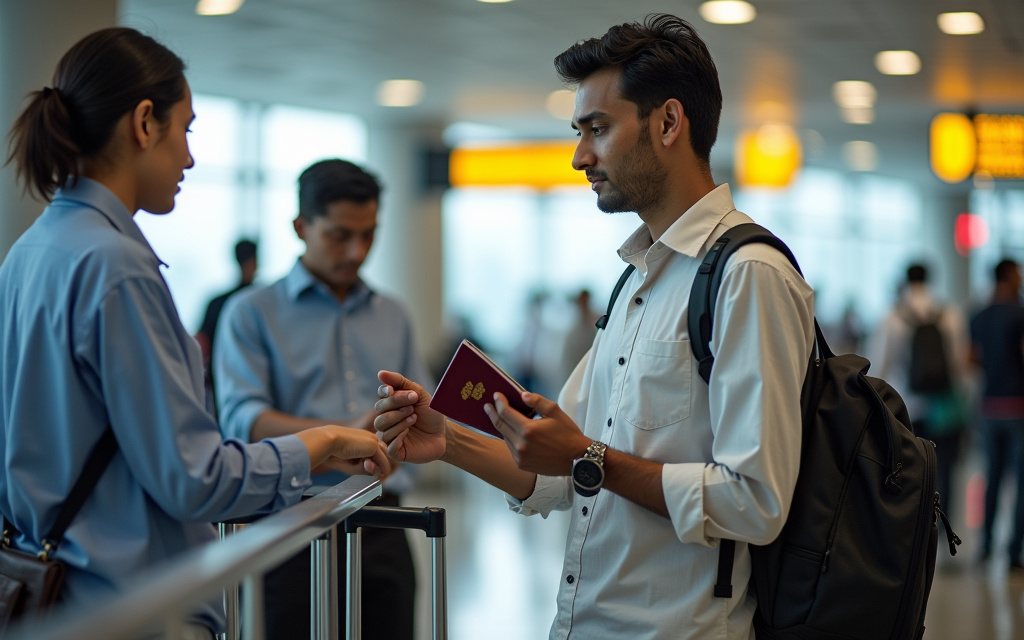
- Airlines have at times checked vaccination proof at check-in when a destination required it. Rules have changed a lot since 2021, and many destinations no longer ask. Check with your airline and destination before you travel. See travelling abroad with a Bangladeshi vaccine certificate.
- Embassies and visa centres may request a certificate as part of a visa file and may verify it independently. Each mission publishes its own requirements.
If an organisation asks you to verify through a website that is not the official portal, ask them why. Legitimate checks do not require you to hand over your OTP, pay a verification fee to an individual, or install unknown apps.
Only the official Surokkha portal can confirm whether a certificate matches an official record. Surokkha Guide cannot check, issue or change certificates.
Spotting edited or fake certificates
Fake vaccination certificates have been reported in many countries, and sellers often target people who are in a hurry to travel or start a job abroad. Using a fake certificate can lead to denied boarding, visa refusal, loss of employment or legal consequences. Warning signs include:
- Lookalike domains. The QR code opens a site that copies the look of the official portal but has a different address, such as extra words, a different country ending or a free hosting service.
- QR pointing somewhere unexpected. The code opens an image, a shortened link, a messaging app or a page with no verification result at all.
- Mismatched details. The name, date of birth, passport number or dose dates on the paper do not match what the result page shows, or do not match the holder's ID.
- Visual editing clues. Uneven fonts, blurred areas around names or dates, or alignment that looks different from other certificates.
- Offers of "guaranteed" certificates. Anyone who offers a certificate without vaccination, or promises a fast fix for a fee, is a red flag.
Privacy etiquette when checking someone's certificate
A vaccination certificate contains personal health information. Scanning another person's QR code without permission, sharing screenshots of their result, or storing copies longer than needed is poor practice and may break privacy rules in some settings. If you check certificates as part of your job:
- Ask for consent and explain why you need to verify.
- Look only at the details you need, such as name, identity match and completed doses.
- Do not forward images of certificates on messaging apps or social media.
- Store any copies securely and delete them when they are no longer required.
As a holder, share your certificate only with organisations that need it, and never share the OTP sent to your phone with anyone.
What to do if your own certificate fails verification
A failed check on your own certificate is stressful, especially close to a flight or job start date. Stay calm and work through these steps:
- Download a fresh copy from the official portal and scan it again. Older printouts or phone screenshots can be low quality. Our Surokkha certificate download guide explains the general process.
- Check the details. Compare the name, date of birth and ID number with the document you registered with. If something is wrong, see how to correct errors on your vaccine certificate.
- Check that all doses are recorded. If a dose is missing, the centre where you received it may need to update the record.
- Contact your vaccination centre or local health office with your vaccine card, ID and any paper records. Keep notes of who you spoke to and when.
- Avoid shortcuts. Do not pay agents, "fixers" or social media sellers who claim they can edit official records. Genuine corrections go through the official process.
Frequently asked questions
Can I verify a Surokkha certificate without internet access?
Generally no. The QR code is designed to open a result from the official online system, so the person scanning needs a working internet connection. A printed certificate can still be read visually offline, but that does not confirm it is genuine.
Does Surokkha Guide verify certificates?
No. Surokkha Guide is an independent information website and has no access to any official records. Only the official Surokkha portal at surokkha.gov.bd can show a verification result. Be cautious of any website other than the official portal that claims to verify certificates.
Why does my certificate show my NID details but not my passport?
Certificates reflect the identity document used at registration. If you registered with a national ID, the passport may not appear unless it was added later. The official portal has, at times, offered a way to add or update passport information; check the current options there before travelling.
What should I do if someone offers to fix my verification for a fee?
Decline. Genuine corrections go through the official portal or your vaccination centre and health office. People offering paid shortcuts may be selling fake documents or trying to collect your ID number and OTP, which could expose you to fraud.
Sources
- Surokkha, official COVID-19 vaccine registration portal (surokkha.gov.bd)
- Directorate General of Health Services, Bangladesh (dghs.gov.bd)
- WHO: Digital documentation of COVID-19 certificates, vaccination status (technical specifications and implementation guidance)
- WHO: COVID-19 vaccines
- CDC Travelers' Health: Bangladesh